
Where to Recycle Old Electronics and Batteries (A Family's Practical Guide)
Old phones, laptops, dead batteries, tangled cables — most of this shouldn't go in the trash. Here's where it actually goes, and how to make sure your data goes with it.
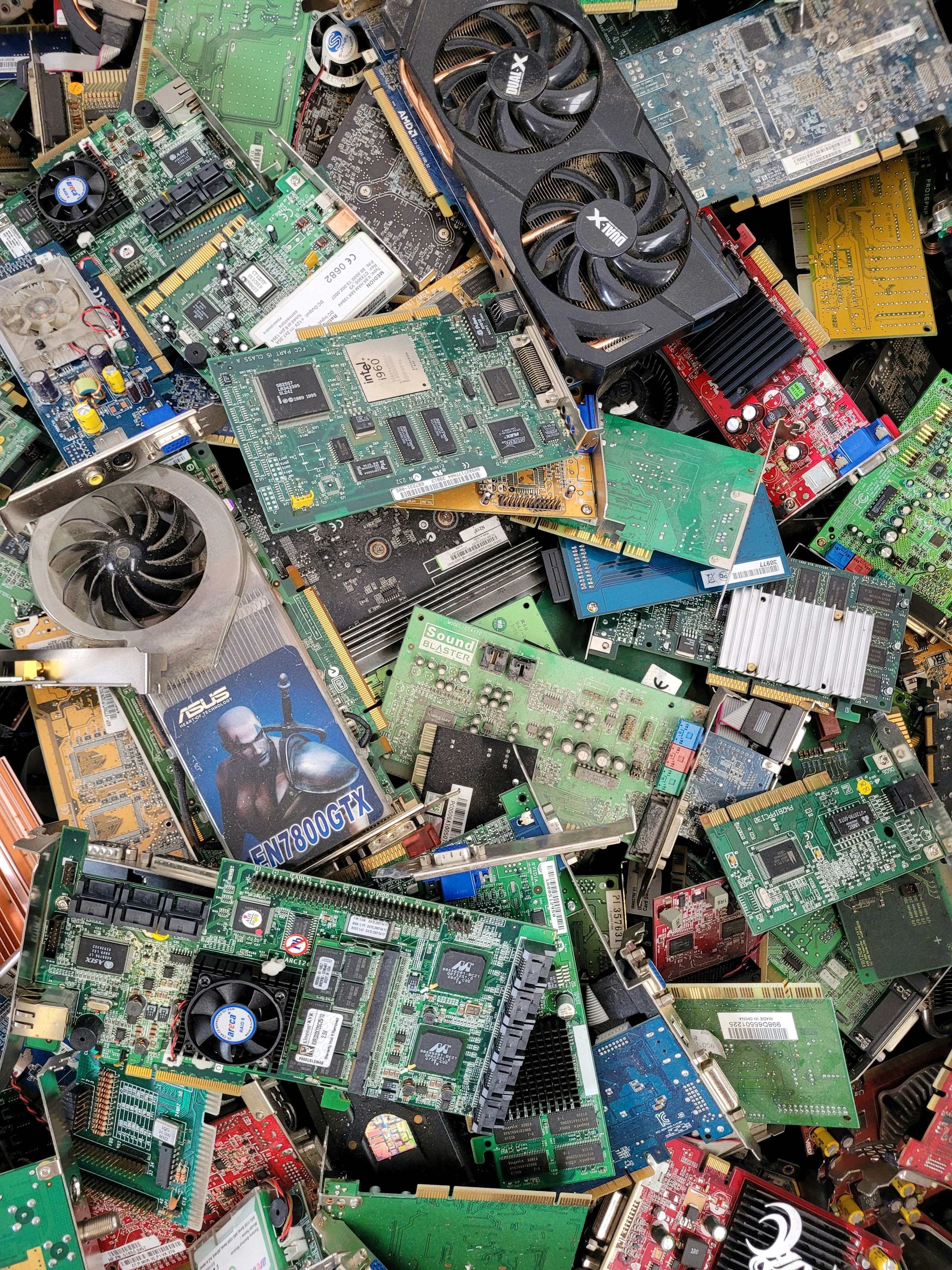
We had a box in the back of a closet. Most families have one — old phones, a cracked tablet, a laptop that stopped working three years ago, cables for devices we no longer own, a drawer full of AA batteries. All of it too guilty to throw away, all of it just sitting there.
Electronics are genuinely one of the more complicated recycling problems. They contain heavy metals — lead, mercury, cadmium — that shouldn’t go into landfill. They also contain valuable materials that can be recovered and reused. And they contain your personal data, which is a whole other concern. So they pile up.
Here is what we’ve figured out about actually dealing with them.
The most important step first: wipe your data
Before anything leaves your hands — phone, laptop, tablet, old desktop — make sure your personal data is gone. This step is easy to skip and important not to.
Phones: Factory reset wipes the device. On iPhone: Settings → General → Transfer or Reset iPhone → Erase All Content and Settings. On Android: Settings → General Management → Reset → Factory Data Reset. Remove your SIM card first.
Laptops: If you’re donating or recycling a Windows laptop, go to Settings → System → Recovery → Reset this PC, and choose the option to remove everything and clean the drive. For a Mac: Erase All Content and Settings under System Preferences. If the laptop no longer powers on, the hard drive can be physically removed and destroyed — any hardware store sells hard drive degaussers, or you can simply drill through the drive (seriously, this works and is done all the time).
Don’t skip this. Recycling centers do not wipe drives for you.
Best Buy — the most consistent nationwide option
Best Buy runs one of the broadest electronics recycling programs in the US. You can drop off most consumer electronics at any store regardless of where you bought them: computers, laptops, phones, tablets, printers, TVs, cables, cords, chargers, and more.
Most items are free to drop off. A few categories (large TVs, for instance) have a small fee. You don’t need a receipt. You don’t need to have bought it there. This is the closest thing to a universal answer for electronics recycling in the US.
Find your nearest location at bestbuy.com/services/tradein.
Manufacturer take-back programs
Before hauling things to Best Buy, check whether the manufacturer will take it back — sometimes with credit.
- Apple: Trade In program gives store credit for working devices, recycles non-working ones for free. apple.com/shop/trade-in
- Dell: Reconnect program through Goodwill will take almost any brand of computer, working or not. dell.com/recycling
- HP: HP Planet Partners accepts HP products and some other brands for free recycling
- Samsung: Trade-up program for phones and tablets
- Google: Trade-in program for Pixel devices
If your device still works, a trade-in often gets you more than the recycling drop-off — worth the extra five minutes to check.
Your municipality’s hazardous waste program
Most counties in the US run Household Hazardous Waste (HHW) collection events, usually a few times per year. These events accept electronics alongside paint, batteries, cleaning chemicals, and other things that shouldn’t go in the trash. Often free.
Search “[your county or city] household hazardous waste” to find dates and locations. Seattle has several permanent drop-off sites through King County. Most major metro areas have something equivalent.
Batteries — easier than you think
Household batteries (AA, AAA, C, D, 9V): Home Depot and Lowe’s both have battery recycling bins near the entrance. So do many Staples locations. Call2Recycle (call2recycle.org) has a zip-code locator with thousands of drop-off points across North America.
Standard alkaline batteries are technically legal to put in the trash in most US states — they no longer contain mercury — but recycling is still preferable and easy enough that there’s no reason not to.
Rechargeable batteries (lithium-ion, NiMH): These absolutely should not go in the trash — they’re a fire hazard in garbage trucks and landfills, and they contain materials worth recovering. Call2Recycle accepts rechargeable batteries at their drop-off locations. Best Buy also takes them.
Car batteries: Any auto parts store — AutoZone, O’Reilly, Advance Auto — takes old car batteries. Some pay a small core deposit for them.
Old cables and accessories
Cables, chargers, and accessories that still work can often find a second life through donation. Schools, community centers, and some nonprofits take working electronics and accessories.
For cables that don’t work — the jumble of cords that connect to nothing you still own — Best Buy accepts these. TerraCycle also has specific programs for electronics accessories.
What to do with a genuinely broken device that nobody wants
If it’s a working laptop or phone, even an old one, look at donation first:
- PCs for People takes computers and phones and refurbishes them for low-income families
- World Computer Exchange refurbishes and ships to schools in developing countries
- Local schools and nonprofits often take working equipment
If it’s truly broken and unusable — cracked screen, won’t power on, water damage — Best Buy’s drop-off or your county’s HHW program is the right path.
The honest bottom line
The most effective thing you can do for electronics waste is buy less of it and make what you buy last longer. Buy quality. Use a good surge protector. Update software rather than replacing hardware. Repair before replacing — in Seattle there are several independent repair shops that fix phones and laptops for far less than the cost of a new one.
But while you’re working on that, the box in the closet deserves better than slow accumulation. Set aside an afternoon, wipe everything, and take it to Best Buy. It’s an afternoon, once, and then the box is gone.
What we use
Products mentioned in this article — affiliate links support this site at no cost to you.
TerraCycle All-In-One Zero Waste Box (Small)
For small electronics and accessories that don't fit any standard program
TerraCycle All-In-One Zero Waste Box (Medium)
Better for families with a bigger backlog of hard-to-recycle items